


Sectors
Set up
exhibitions
and
virtual
museums
Set up
exhibitions
and
virtual
museums
3D Design Program for Museum Spaces
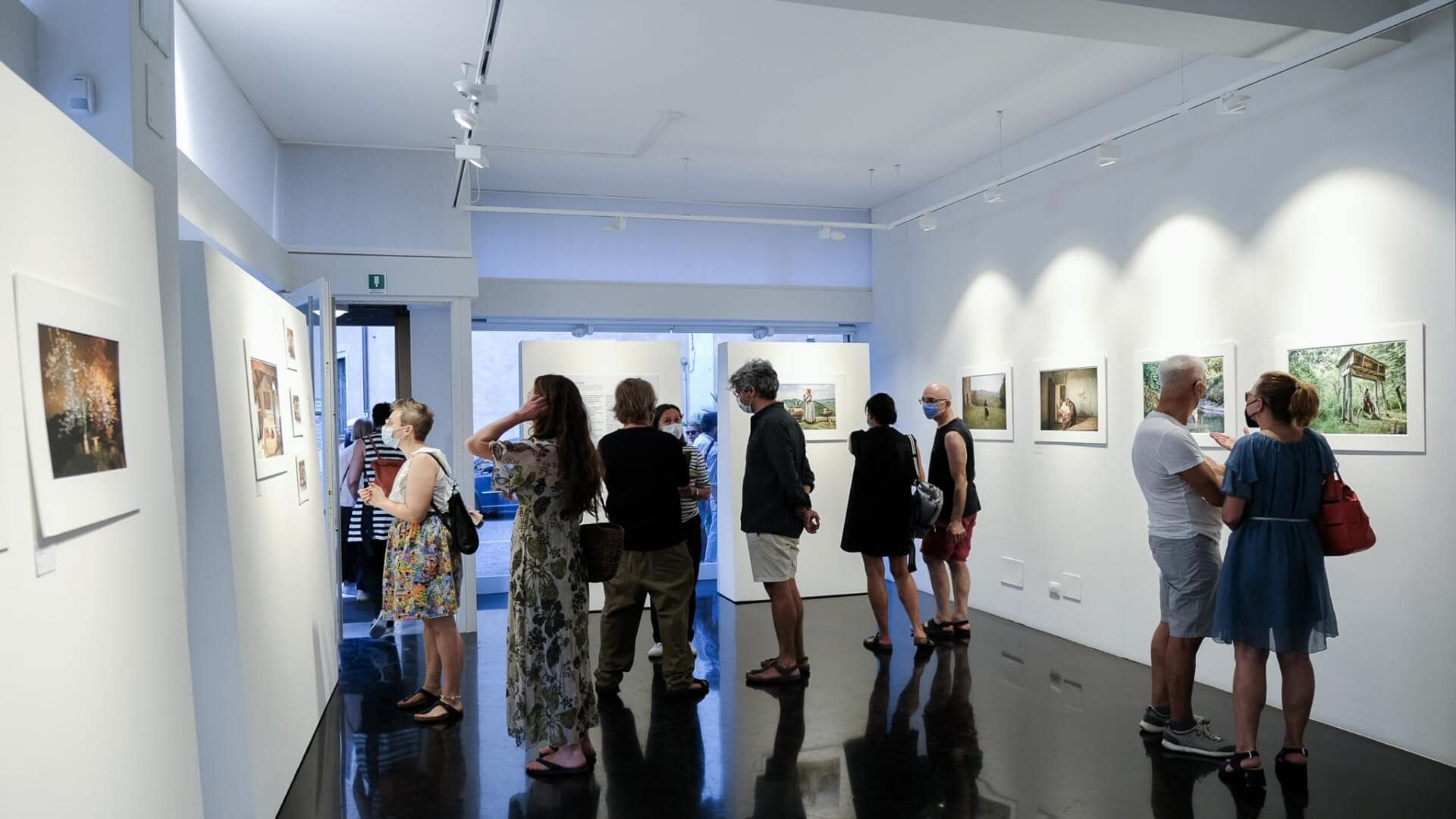
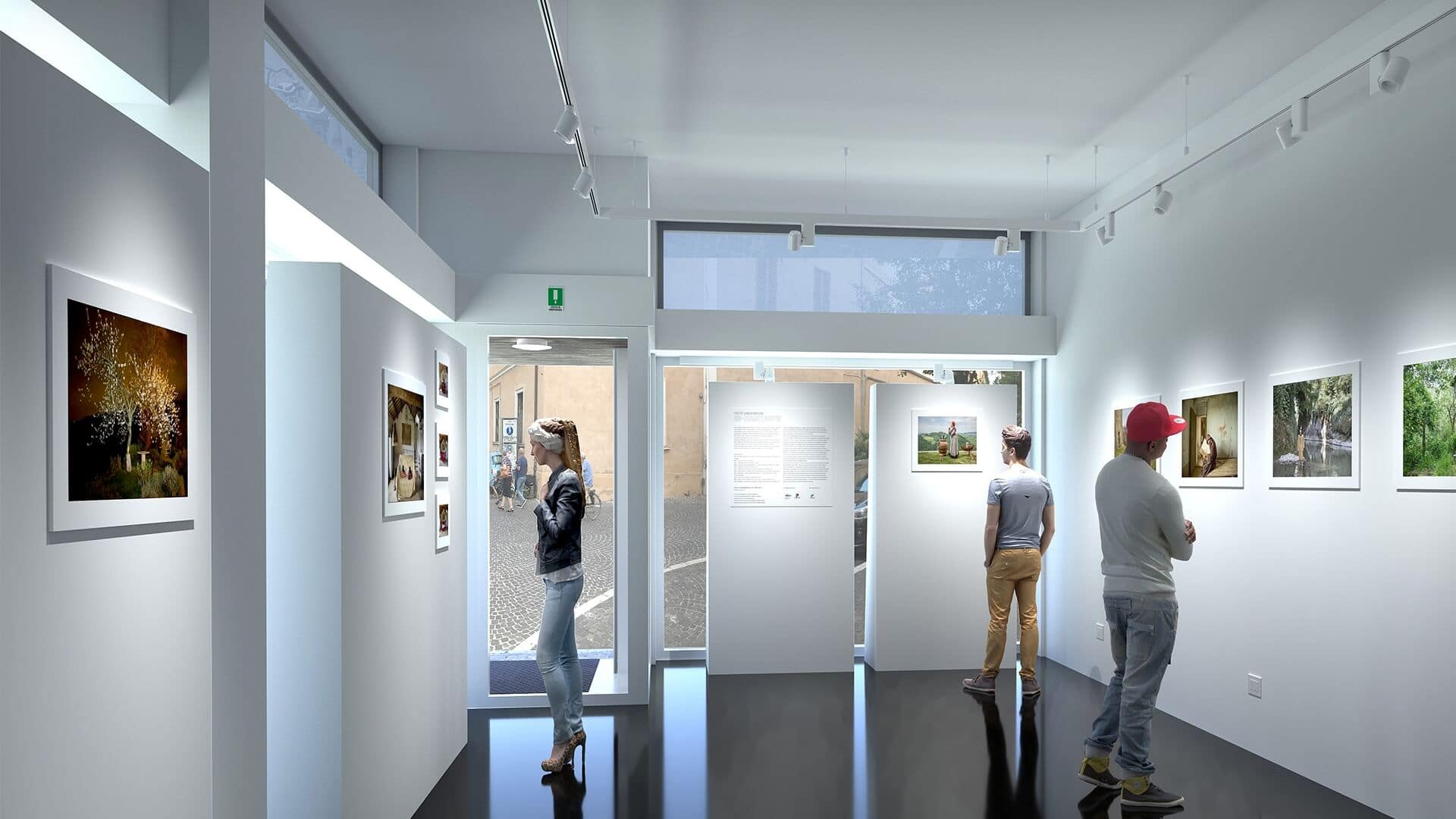
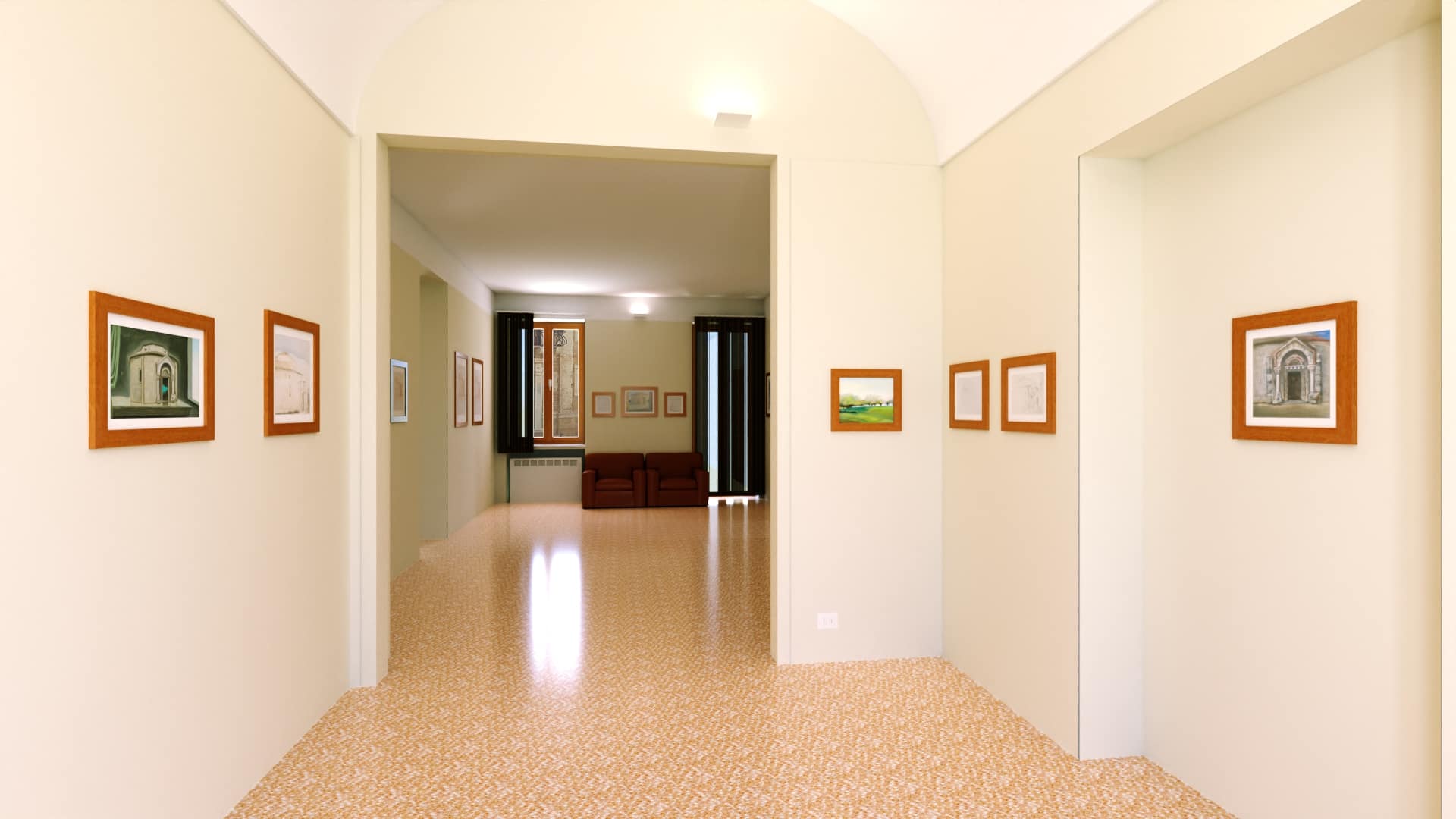
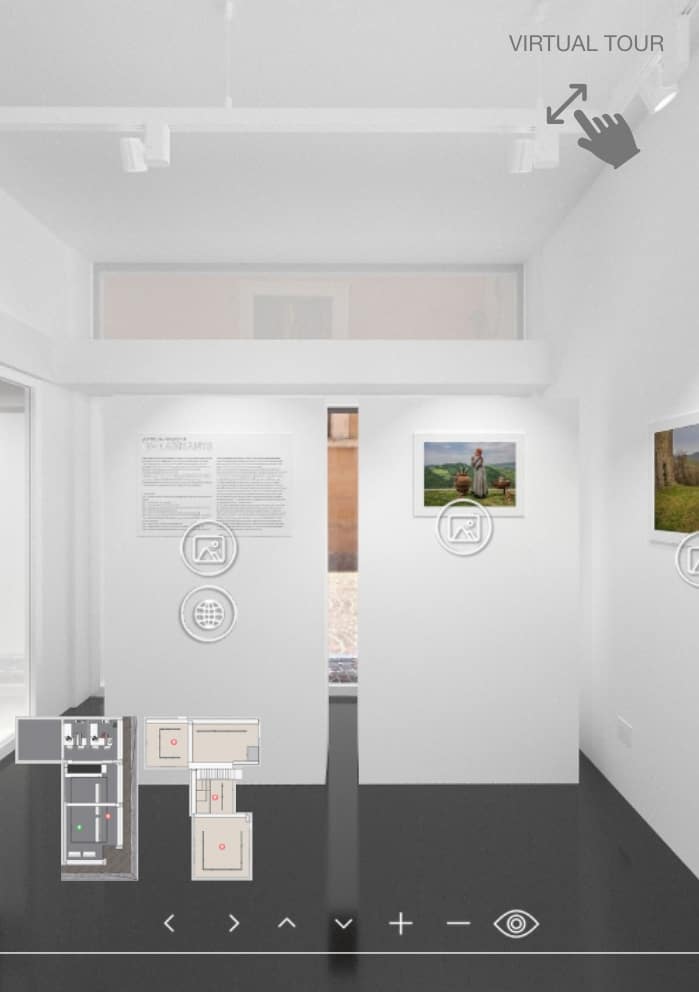
Virtual exhibitions today serve as a natural extension of the museum experience. With ArredoCAD, you can design complete exhibition spaces, rooms, exhibition routes, and lighting systems in 3D, maintaining the same level of detail as in a physical exhibition. Museum renderings become strategic tools for presenting the curatorial concept prior to the actual installation. Careful management of light sources, angles, and color temperature allows for the precise simulation of the lighting for the artworks. Thanks to the 360° virtual tour, the exhibition becomes a space that can be navigated from any device. Visitors can move between rooms, get closer to the works, and enjoy an immersive experience, which is also useful for the digital promotion of the event. ArredoCAD supports museums and cultural institutions throughout the entire process: from the project preview to the delivery of the final digital experience.
Why to choose ArredoCAD
The easy software with integrated rendering engine designed for exhibition spaces, curators, installers, and artists: recreate your environments in 3D, design bespoke layouts, and turn them into 360° Virtual Tours.
360° virtual tours
Design virtual 3D art exhibitions or replicate real ones, viewable online anytime
All from your PC
Design your Setups in preview
Design your exposition setups
Design your virtual exhibition layouts conveniently from your PC, wherever you are. View any variant or change in real time, set the lighting on the artworks, and share everything with your team before moving on to production. Automatically obtain technical installation drawings with dimensions and instructions to provide to installers and fitters, reducing errors, unforeseen issues, and additional costs during the execution phase—while speeding it up.
30.000 + Furnishing elements
More than 30,000 modular furniture elements, display cases, frames, light and parametric exhibition systems that adapt to every customization need: quickly recreate your spaces in 3D and design any exhibition route, then modify and update it at any time.
360° integrated render
Transform your exhibition spaces into online experiences
Integrated rendering engine
Recreate your exhibition spaces in 3D and turn them into high-quality 2D renders or 360° experiences completely independently. Edit and update artworks and setups in just a few clicks, and create as many virtual exhibitions as you want!
360° virtual tours
Create 3D virtual exhibitions, reduce setup and artwork transport costs, or recreate existing shows and make them accessible online 24/7 via high-quality 360° Virtual Tours. Add multimedia elements (audio, video, links, artwork info) and share them on your website or social media. Visitors can explore your artistic heritage from any device, anywhere, even in Virtual Reality for an exciting, bespoke and interactive experience.
Support your artistic heritage
Increase in-person visits
3D virtual guide
Once the 360° Virtual Tour of your space is completed, you automatically get—at no extra cost—an interactive 3D virtual guide for on-site visitors as well. By scanning simple QR codes placed along the exhibition route with their smartphones, visitors can access all the multimedia content from the Virtual Tour that is not available in the gallery (audio, video, links to your website, artwork details, etc.).
Share your artistic heritage
With ArredoCAD’s online Virtual Tours, you break down barriers, enhance, and share your artistic heritage—including works kept in archives and storage—sparking curiosity and interest among potential visitors from all over the world. And as statistics show, this also increases in-person visits, whose unique qualities no virtual experience can ever replace.
Simple, quick and professional
Courses, tutorials and support service in real time


30-year experience
With 30 years of experience in interior design, ArredoCAD is a guarantee of reliability and quality, offering real-time support with expert technicians who can connect directly to your PC for any need.
Easy to use
Extreme easy to use (free 5-step Quick Guide: 1 hour), thanks to extensive ready-to-use and customizable libraries, as well as a range of dedicated automations and features that make the design process particularly fast.
Automatisms and aided configuration
for unmatched
design speed
Automatisms and
aided configuration
for unmatched
design speed
Thirty years of experience have allowed us to develop and refine automated workflows and dedicated tools for 3D exposition setups design, enabling significant time savings compared to traditional 3D modeling software.
Editor for the creation of the Virtual Tour
Automatic creation of assembly technical prints
Track light and display configurators
Virtual guides
Configurators for fixtures, fixing and architectural elements
Cladding management
Just a few clicks to create hotspots linking one 360° space to another in the exhibition path, and to add or update accompanying multimedia elements.
Creation of prints with measures of plan and elevation view, complete with assembly instructions for the works.
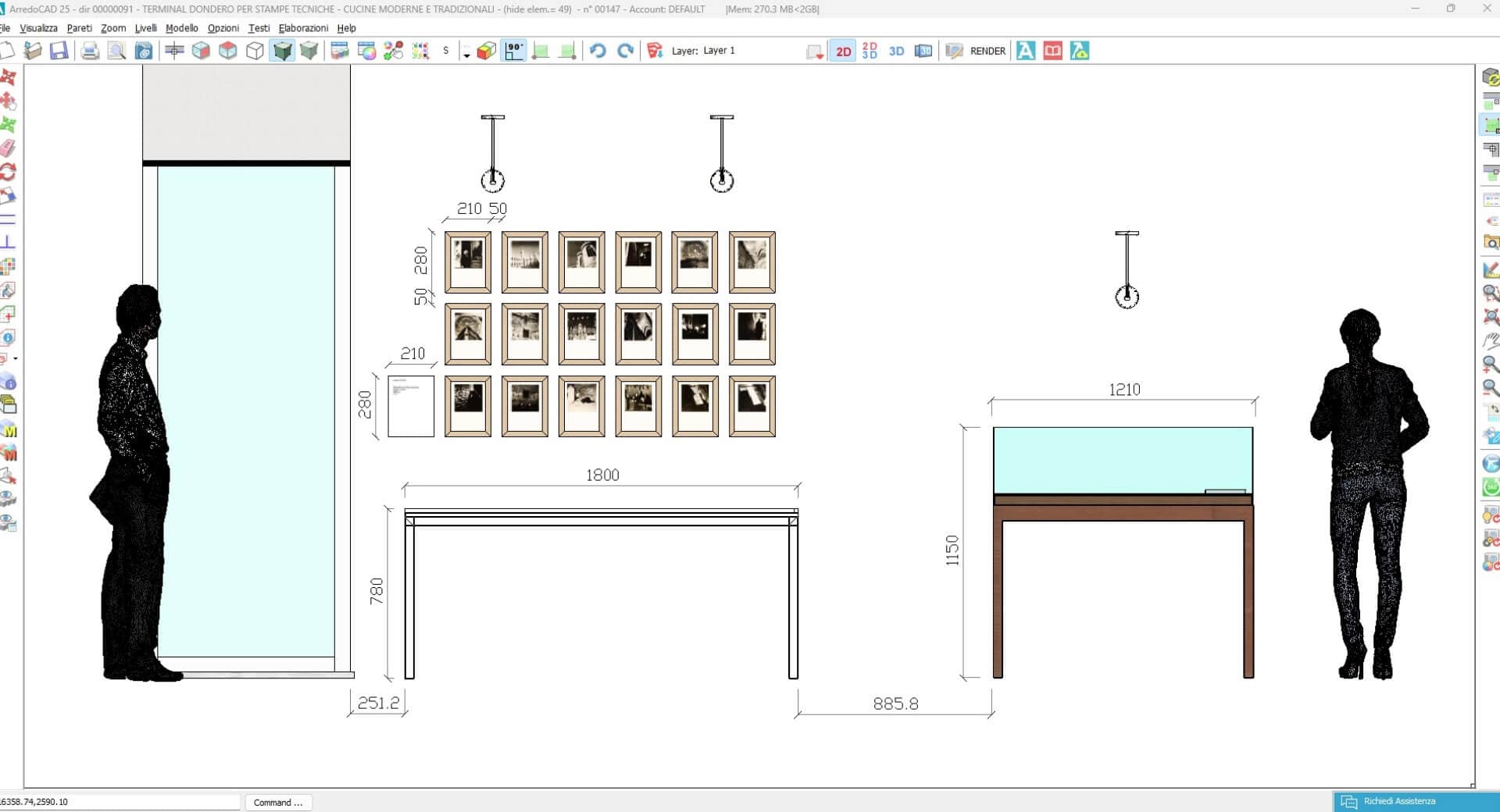
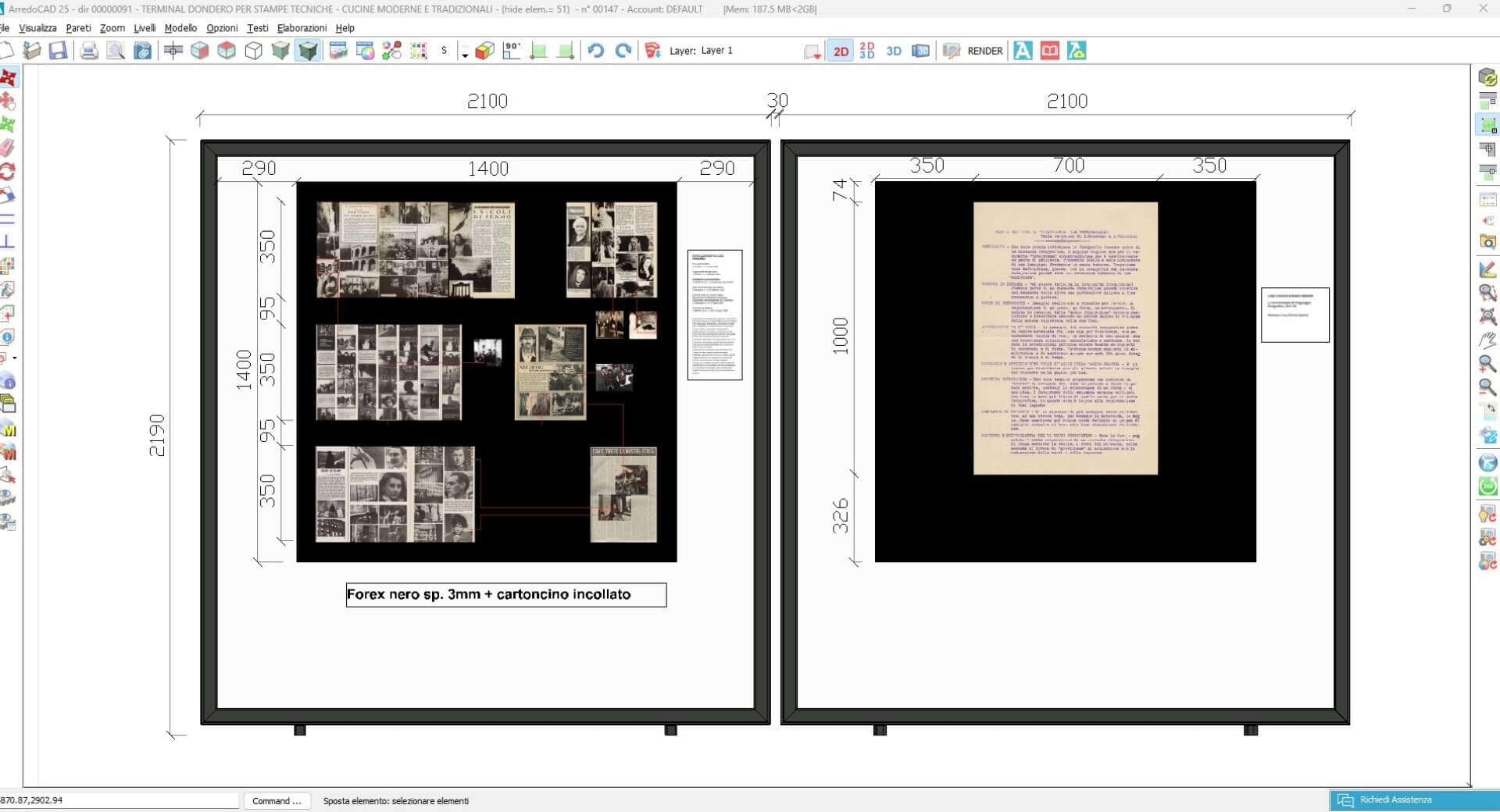
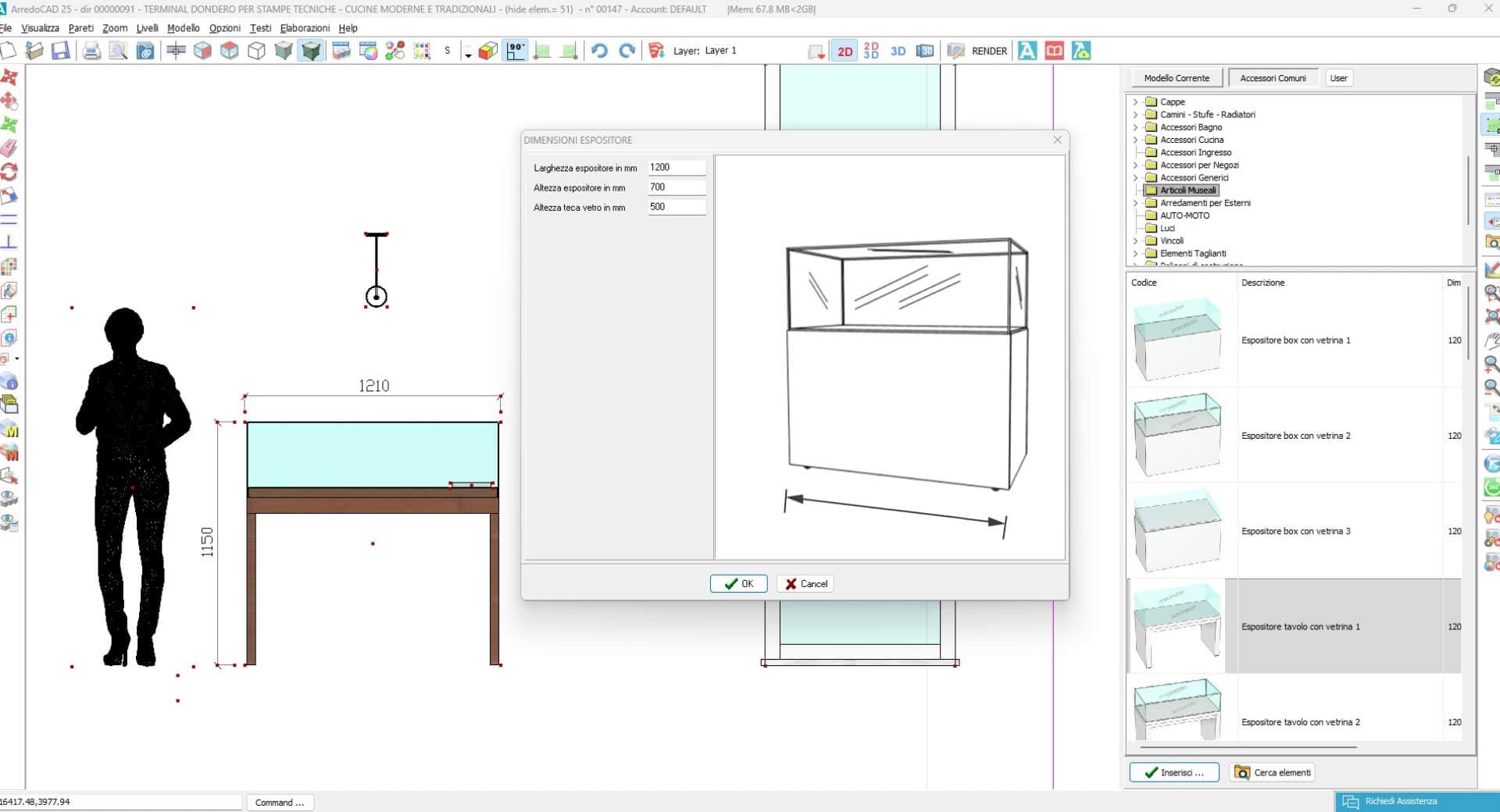
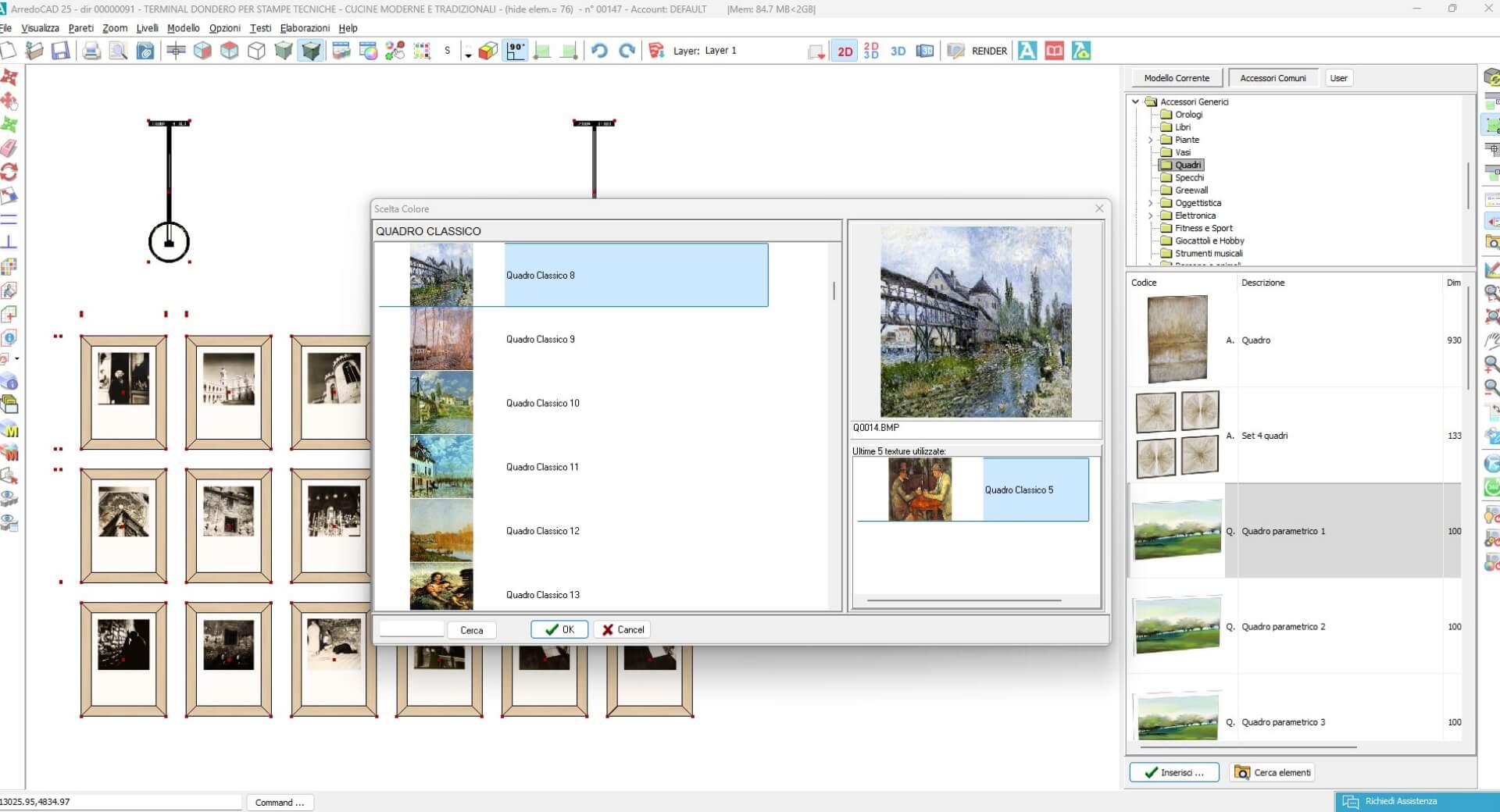
Assisted insertion of artwork, displays and track lighting systems to customize their measures

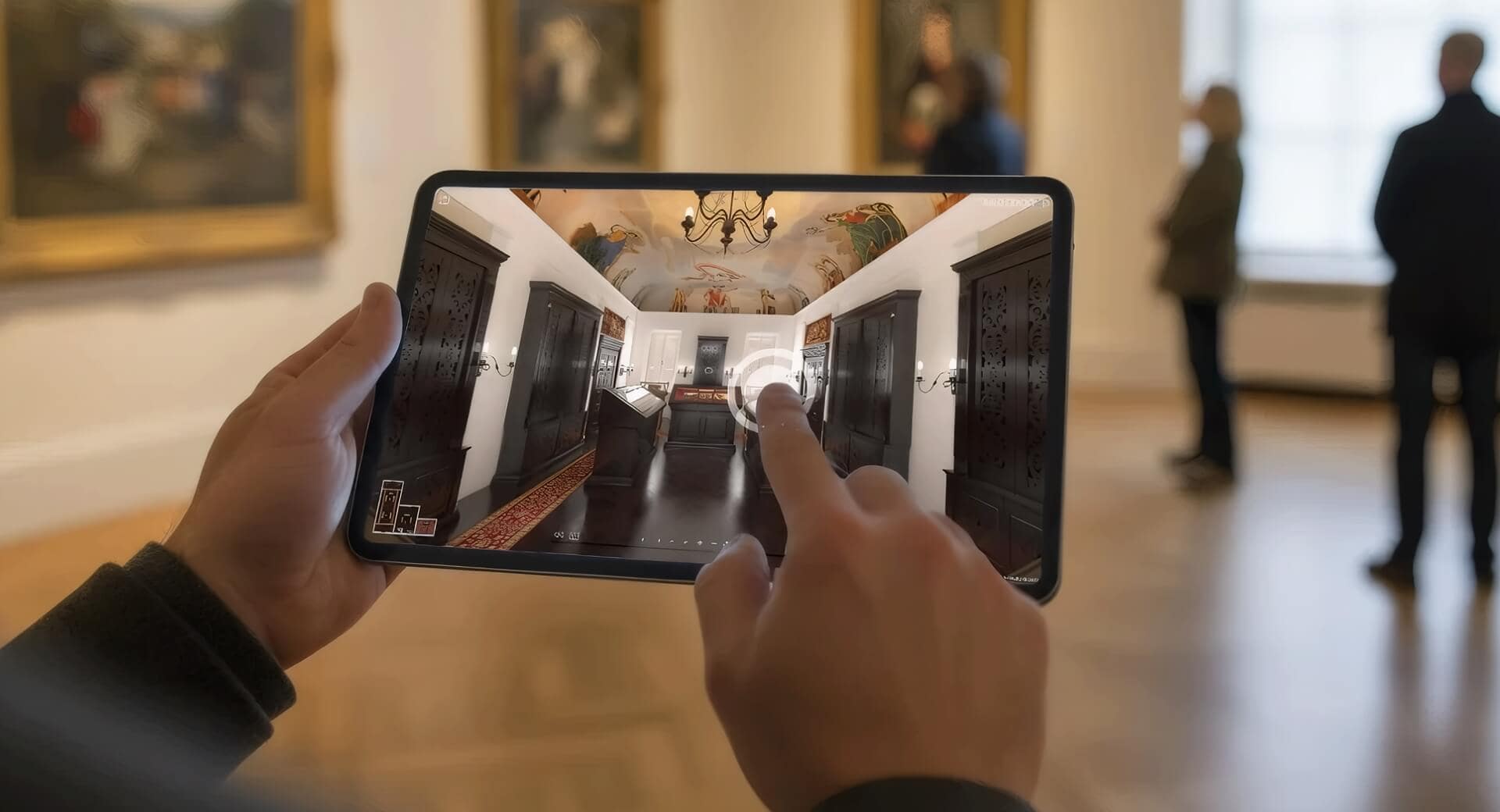
Automatic creation of multimedia, interactive 3D guides for on-site visitors.
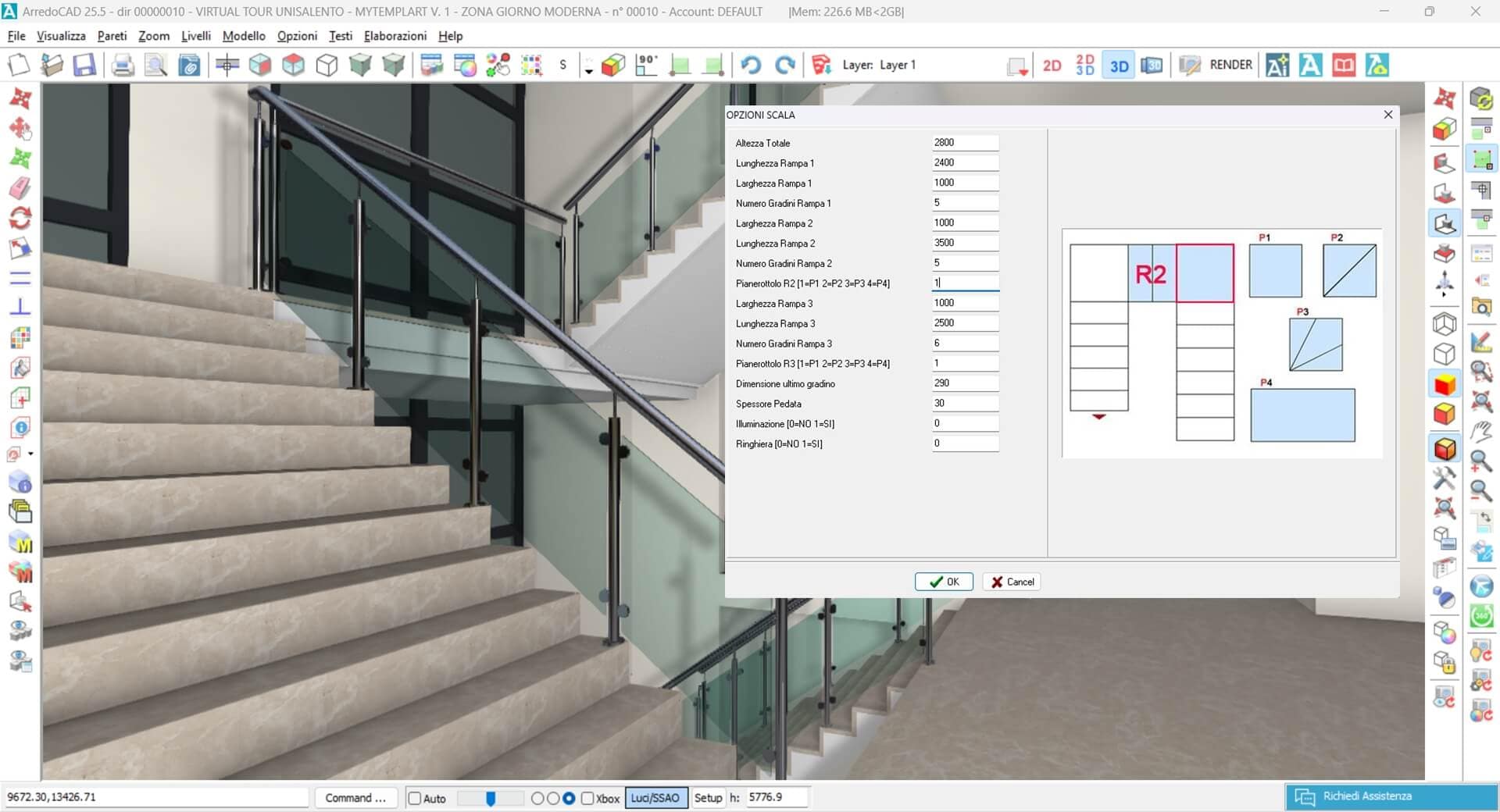
Configurators for doors and windows, stairs, niches, openings, pitched roofs and beam roofs.
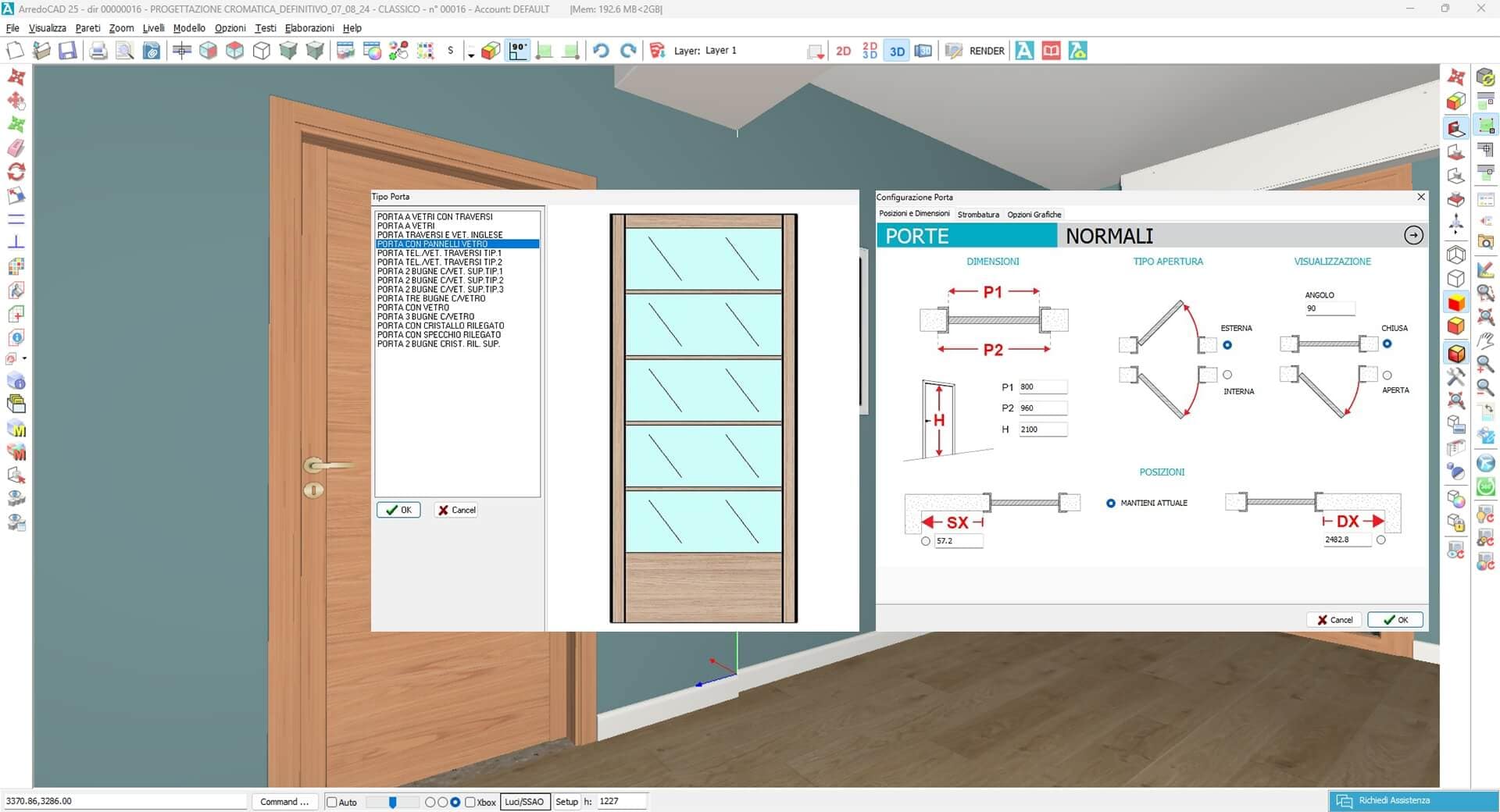
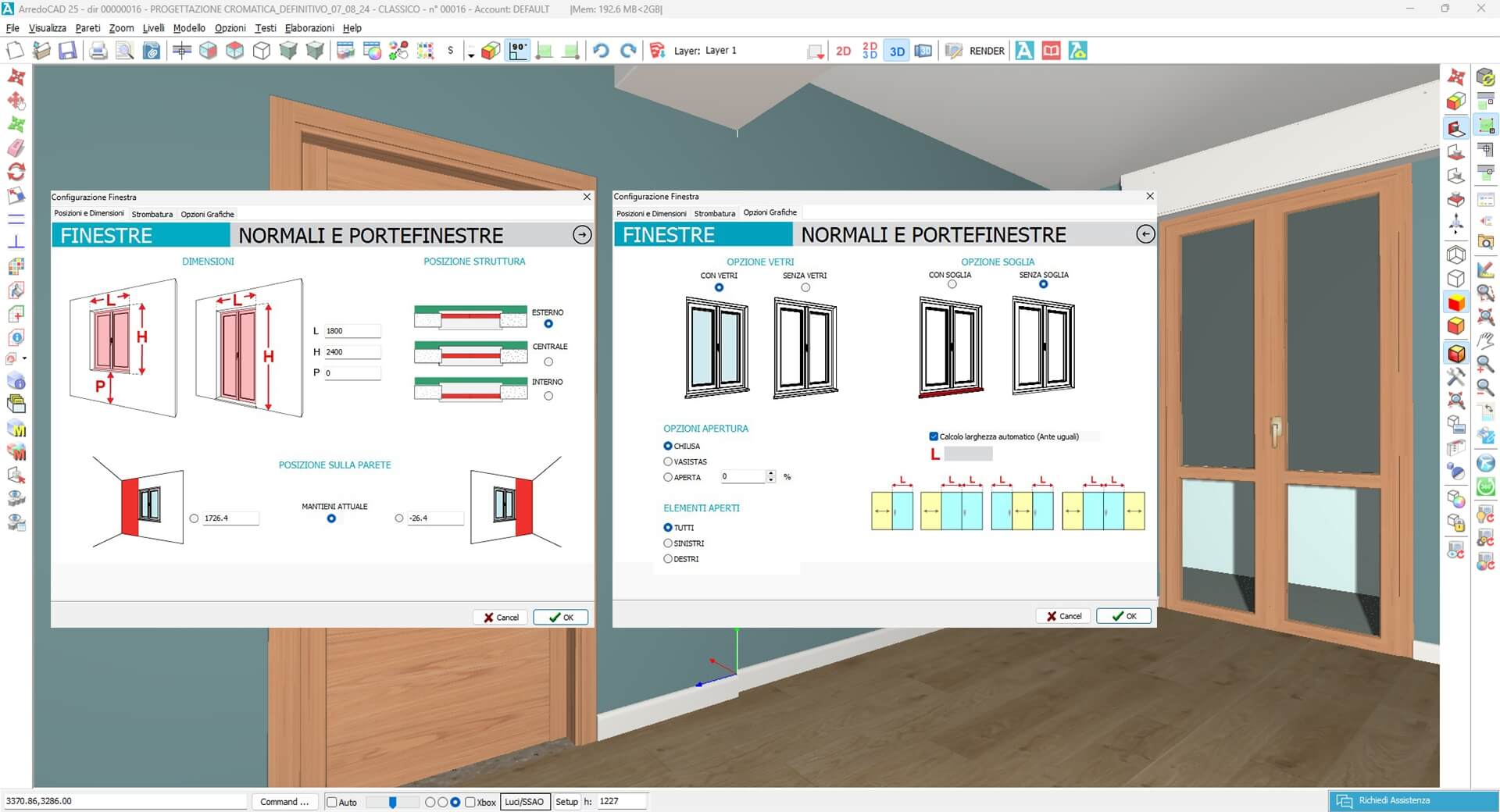

Automatic insertion and cut of floors, cladding and skirting boards.


Turnkey project
Design service available on request.
We'll take care of everything!
Design service available
on request:
We'll take care of everything!
Show us your space, with or without furniture, and we will transform it using ArredoCAD into a navigable 3D project with a 360° Virtual Tour, easily shareable online via a simple link and enriched with any multimedia elements you wish to provide: audio files, videos, images, texts, web links, and PDFs.
Request a
no-obligation
trial of ArredoCAD
Request a
no-obligation
trial of ArredoCAD
Get immediate access to all the software’s features. After the trial, decide whether to continue using it by choosing the license that best suits your needs.