Automatic configurators and new Ai Plug-in: Renders, Animated Videos and 3D Files in one Click!
The long-awaited new version 2026 of ArredoCAD is finally available for download, with some mouthwatering new features, including the development of automatic configurators for creating balconies and spotlighting systems, and the inclusion of wall coverings from a prestigious partner like Florim.
Nevertheless, the new version of the Ai Render 3D Plug-in (an additional plug-in to be purchased) will undoubtedly take center stage and leave interior designers and their clients speechless.
Let’s take a detailed look at the most significant new features.
A Completely Revamped Ai Plug-in: High-Fidelity Renders, Videos, and 3D Objects from a Single Photograph!
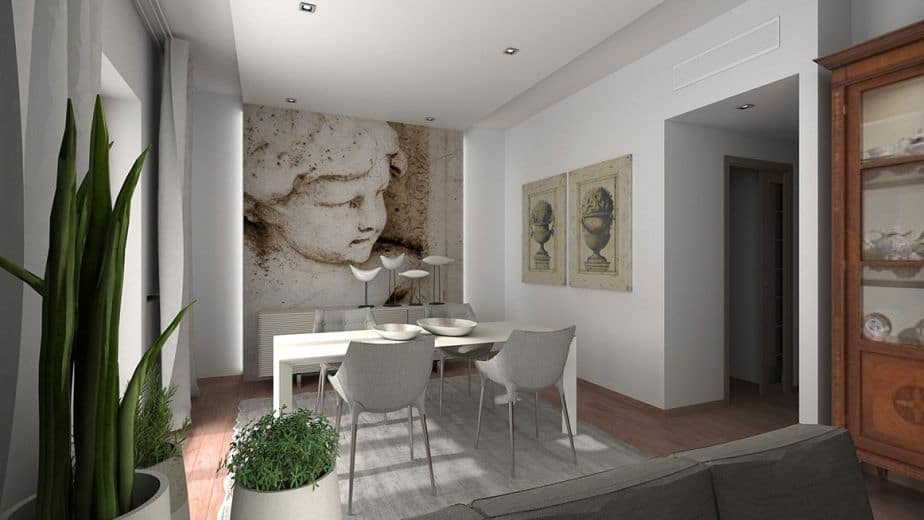
The introduction of the Ai Render plug-in in last October’s ArredoCAD 25.5 version had certainly been a significant breakthrough for many designers. But there was still the issue of unwanted variations occasionally introduced by Ai in the rendered scene compared to the original one. The new Ai Render 3D plug-in (an additional plug-in available via a monthly credit subscription that can be purchased here)* not only features a new Ai 2.0 engine that provides higher fidelity to the source image, but also integrates two other completely new functions: the creation of animated videos and 3D files from a photograph of a furniture element. Specifically:
- New Ai 2.0 render engine: you can generate renders in seconds from a simple 3D preview of your project and with a very high degree of fidelity, significantly reducing the time for texture editing or lighting setup. You can take advantage of preset and optimized prompts to achieve day and night variants, or you can write any custom input or editing prompts to achieve the desired effect.

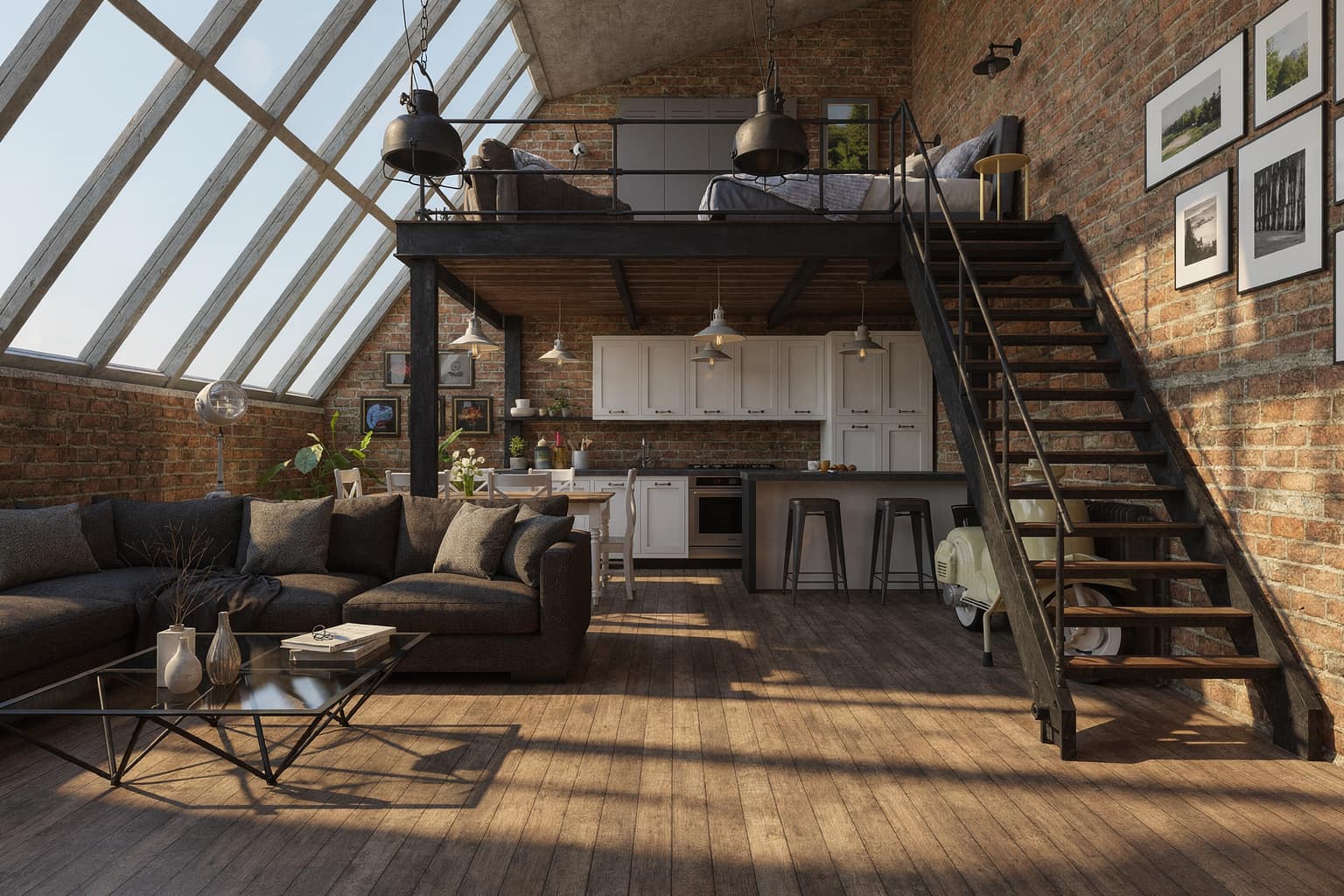
- Video making: you can turn your design projects into animated videos by inserting one or more renders of the same room, captured from different points of view or according to different furniture arrangements. You can choose the duration of the video as well as the resolution and be amazed by the Ai or set your own bespoke prompts.
- 3D File creating: you can automatically generate 3D (obj) files of any furniture element from a simple photograph and insert them directly into your ArredoCAD projects! **
* Those who already have an Ai subscription won’t have to do anything once the new version of ArredoCAD is installed: they will see the updated plug-in interface with remaining credits, auto-renewal, and other features.
** To import 3D files (obj) created with this feature into ArredoCAD, you must have the 3D file import plug-in installed on your license. Contact us for more information.
Automatisms and Assisted Configurators: Design with Precision and Speed

Much appreciated by those who use ArredoCAD, automatic configurators guarantee design speed and extreme precision. While several of them have been included in recent versions of the program (we recall those for pitched roofs, dormers, skylights, staircases, trays and shower stalls), the 2026 version of ArredoCAD is certainly no different, with no less than 5 new entries:
- Balconies: dedicated configurator for automatic balcony insertion with the possibility to choose measures (width, depth, slab thickness), types of parapets (walls and railings) and their configuration (1 side, 2 sides: left and right corner, 3 sides)
- Spotlights: dedicated configurator for automatic insertion of spotlights in ArredoCAD libraries, individually or for even multiple rows of spotlights, with choice of automatic ceiling or ceiling recessed.
- Track lighting systems: dedicated configurator for automatic spotlight insertion along a track, with choice of linear, 2-sided (left and right angular), 3-sided or 4-sided (closed) track, with pendant/ceiling options, end cap, number and type of spotlights.
- Doors and windows: dedicated configurator for inserting windows and doors in public and commercial premises, with choice of 4 sash types, frame sizes, handles (including panic bars) and fanlights
- Bathroom tops with integrated washbasin: dedicated configurators for inserting tops with integrated washbasin manually (with configurator for single/double basin, curved/beveled end and machining) and automatically (with possibility of inserting 1 or 2 basins on several base units at the same time).
Furniture, Bookcases, and Coverings Archive: A New Partner That Makes the Difference
Regarding this issue, the new partnership signed with Florim – one of the most important Italian manufacturers of coatings internationally – stands out prominently. The range of added materials is exceptionally extensive, offering considerable flexibility in application. Thanks to Florim the ArredoCAD catalog includes now as many as 704 textures of marble, stoneware, stone and cement organized into 22 series and designed for use on floors, wall tiles, kitchen working tops, tables and furniture.
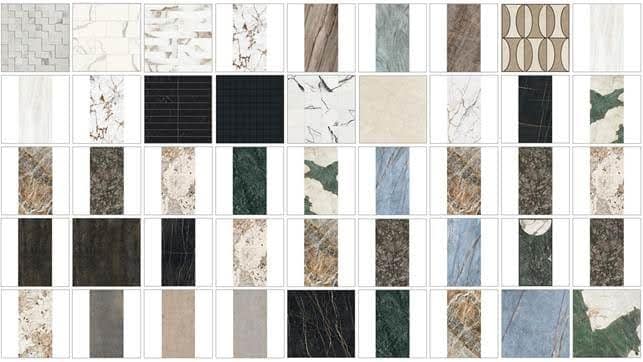
Florim’s materials are complemented by new door and window frames and display cases for public and commercial spaces, with fixed, hinged, and sliding doors along with a choice of 11 types of handles (including 3 types of panic bars), 21 appliances including 3D and 2D ovens, microwave ovens, and wine cellars, and finally 8 countertops with integrated washbasin in the Baths model.
Try now the new ArredoCAD 2026!
Would you like to try ArredoCAD? Discover the new functions of the ArredoCAD 2026 version: Request a 15-day free trial here.
Are you already using ArredoCAD? Update your license to the latest version 2026 and find out the new functions and libraries now available! If updates are not part of your purchase solution please request a quotation contacting us: 00390721 26465 – [email protected] – WhatsApp– Fill the contact form